
Traffic Warrants in Fannin County
A citation or complaint sets a deadline or court date. A missed appearance or unpaid judgment can lead to an FTA, capias, or capias pro fine under the issuing court's process. Fannin's JP payment pages use “fines and warrants” and warn that payment may post the next business day.
A city ticket belongs with that city's municipal court; a county or precinct citation belongs with JP1, JP2, or JP3. The right court matters because each office has a different payment route and record.
Fannin's Citation-to-Capias Chain
The usual local sequence is a citation or complaint, a due date or appearance setting, a missed obligation, court action such as an FTA or capias pro fine, and then service, payment, a reset, or bond. The court's exact label controls. Chapter 45A covers justice and municipal criminal procedure, including fine-only process.
A capias pro fine is tied to an unpaid fine judgment. It is not a driving-history record. For a city citation, the Fannin municipal-court routes explain why the city clerk should be called first.
Read the official Texas Code of Criminal Procedure Chapter 45A with the issuing court's current instructions.
How to Check for a Fannin County Traffic Warrant
Start with the citation and call the court named on it. Fannin's Tyler portal does not expose a confirmed warrant-search field list. City payment pages and JP payment pages can help resolve a known citation but are not complete name-search databases.
- Identify city court versus JP and, for a JP case, the correct precinct.
- Use an official city page or payment link only for the case it names; the live search fields may be limited or unknown.
- Call the court with name, date of birth, citation or cause number, and court date. Ask if the record is open, FTA, or a warrant.
- If needed, ask for a written record request or confirm whether an in-person visit is accepted. Call first because hours and surrender steps vary.
Three Fannin JP Payment Codes Serve Three Courts
JP1, JP2, and JP3 each publish a separate Certified Payments bureau code. A reader should first verify the precinct and amount with the clerk. A valid payment sent through the wrong court's channel can delay posting and leave the citation or warrant unresolved.
| Precinct | Phone | Bureau code | Payment note |
|---|---|---|---|
| JP1, Bonham | 903-583-7489 | 9635248 | Next-business-day posting; keep confirmation. |
| JP2, Leonard | 903-587-2846 | 3574802 | Separate court and payment plan terms. |
| JP3, Windom | 903-378-0015 | 6564790 | Some case options require direct office contact. |
The JP directory links each precinct's official payment instructions. A bureau code is not a case number or proof that a warrant was recalled.
What a Traffic Warrant Shows
Fannin did not expose a stable public traffic-warrant result schema. Ask the clerk to confirm the citation, issuing court, type of process, balance or bond, and recall status. Do not infer those details from a payment screen that accepts an amount or account number.
| Citation or warrant number | Format not confirmed Read the number from the ticket or ask the clerk. |
|---|---|
| Violation or fine | Confirm the underlying citation and judgment with the court. |
| Issuing court | Identify the municipal court or JP precinct. |
| Amount or bond | Ask whether it is a fine, warrant fee, bond, or other court amount. |
| Status | Confirm payment posting, recall, and any next appearance date. |
Bonham and Leonard Have Different Traffic Routes
Bonham Municipal Court handles fine-only Class C cases, including traffic citations. Its city page offers online payment and plea information but no verified public warrant search or recall instruction. Call 903-583-2071 before paying if the question is an active warrant.
The Bonham Municipal Court page identifies the city's court channel.
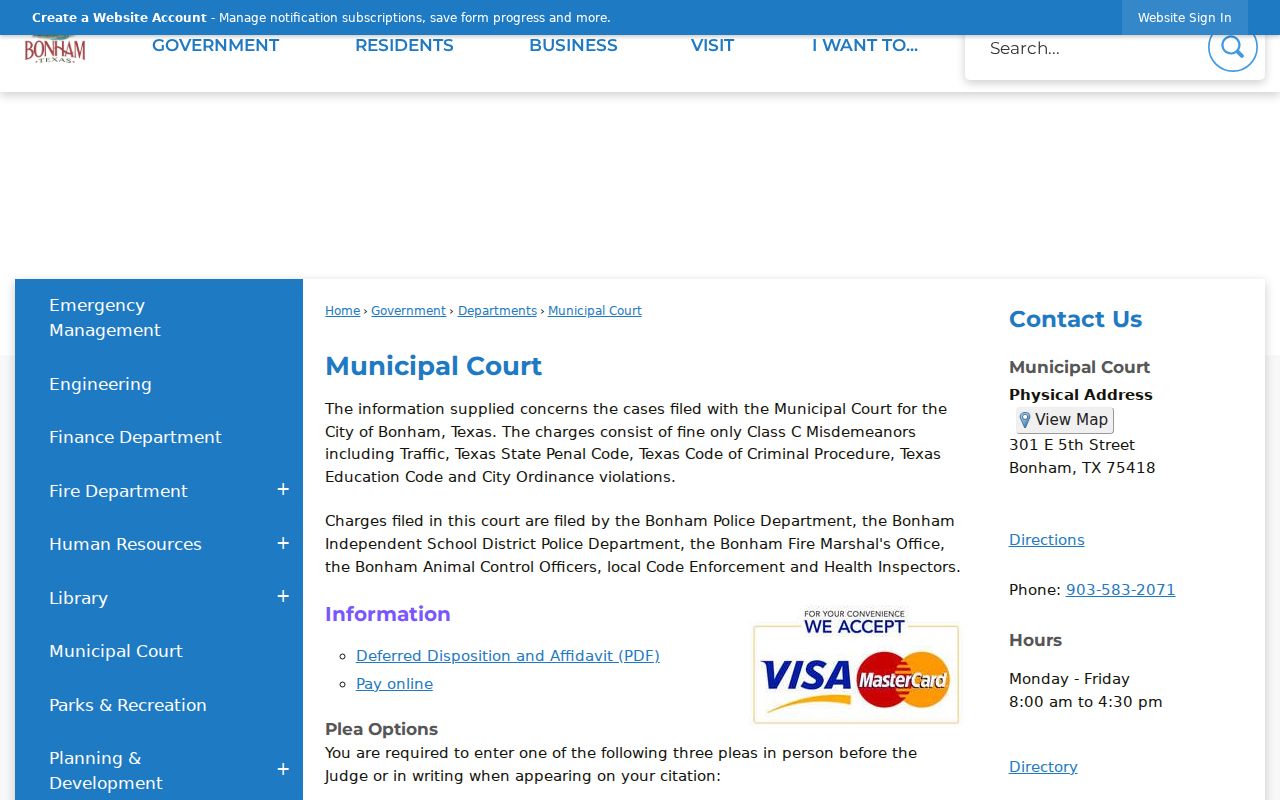
The page connects city citations with that court, not the county's JP or district docket.
Leonard's Payments page lists warrant fees, FastGovPay, mail, in-person payment, and a $25 one-time payment-plan fee. The official Leonard payment page does not publish a complete warrant roster.

Call Leonard at 903-587-3334 to ask whether a payment will lift the specific warrant and when it will post.
Paying or Lifting a Traffic Warrant
The issuing court decides whether payment, a plan, an appearance, deferred disposition, a plea, a reset, or bond fits the case. The JP pages say a warrant is not recalled until the fine posts unless the person calls with confirmation. Save the receipt and ask the clerk to confirm status separately.
- Call the court and ask whether a warrant or capias is active and what amount or action applies.
- Use only the payment link, bureau code, or mail route the court confirms for that citation.
- If contesting or asking for a reset, get the required appearance or filing instructions from the clerk.
- After payment or appearance, call back for written recall confirmation and the next case date.
Warning: A payment receipt does not prove immediate recall; wait for the court to confirm posting and ask separately about any DPS license-hold update.
Fannin County Traffic Payment and Recall Use Different Clocks
JP payment pages describe next-business-day processing and say the court must receive the fine before recall, unless the payer calls with a confirmation number. A successful transaction and a changed court status are not the same moment. Keep the date, amount, bureau code, and receipt for the follow-up call.
Leonard's Court Appearances page says citation recipients should contact the court within 10 days and may appear or submit a plea; payment is treated as no contest. Ask whether that applies before using the payment route.
Review Leonard's court appearance rules and confirm the result with the clerk.
A DPS Hold Is Not a Fannin Warrant Search
Texas DPS may place a license-renewal hold for an eligible failure to appear or failure to pay. OmniBase at 1-800-686-0570 can help identify eligible citations, and DPS says court-reported payments may take up to seven business days to clear. It does not search felony warrants or every city and county docket.
The DPS FAQ describes that program. The court, not DPS, controls the warrant, fine, plea, or recall. The official FTA/FTP page is shown below.
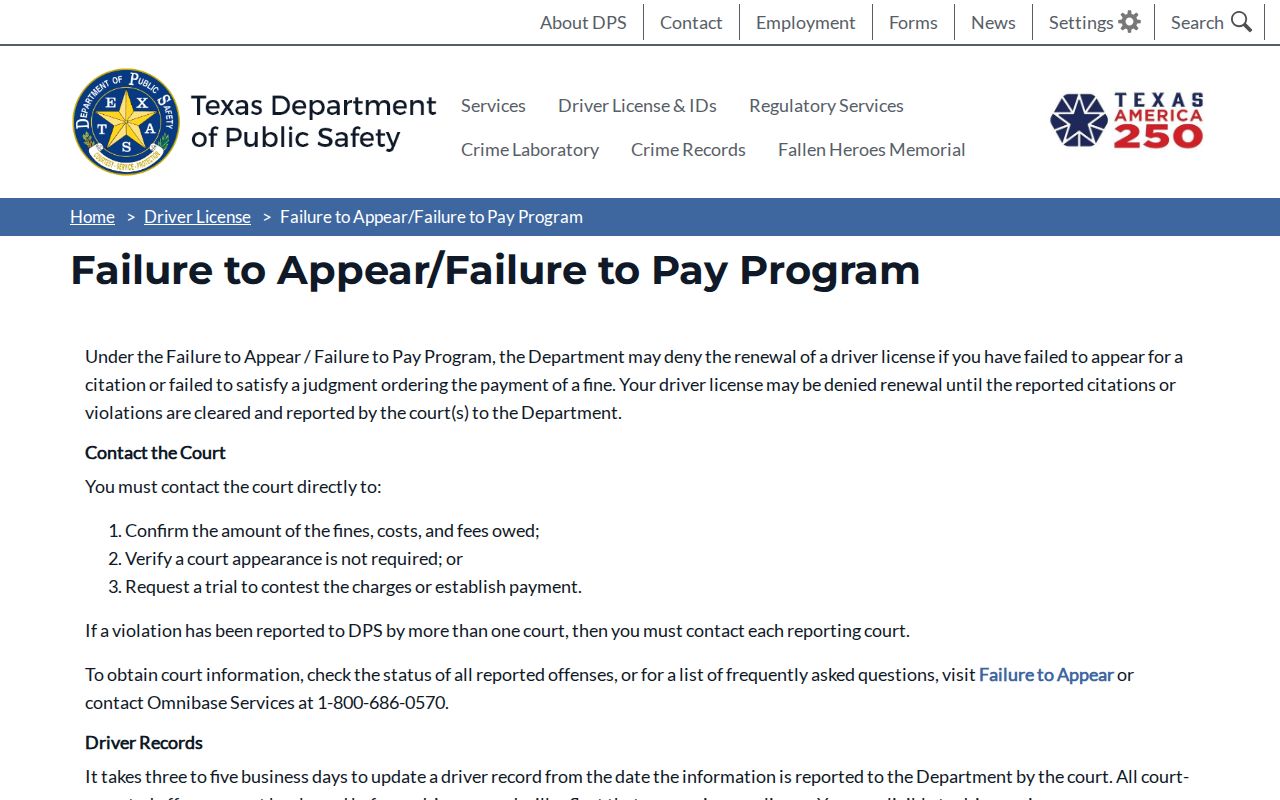
Use DPS for the license consequence and the issuing JP or municipal court for the citation record.
Traffic Warrant vs FTA and License Holds
A single citation can produce more than one consequence, but each has a different source. A warrant or capias is court process; an FTA describes a missed setting; a DPS hold affects license renewal under the state program. Ask the court which one applies before selecting a remedy.
| Mechanism | What Triggers It | What It Does |
|---|---|---|
| Traffic warrant | Unpaid judgment or missed date under the court's process. | Court process tied to the citation or case. |
| Failure to appear | Missed a scheduled setting. | May lead to an additional court process. |
| License hold | Eligible FTA/FTP report to DPS. | Can affect license renewal; it is not the warrant record. |